
I recommend Quicken Simplifi as my first pick among the best budgeting apps for millennials who want a flexible spending plan that adjusts to their income and expenses. Its account connections, savings goals, and projected cash flow help you plan for upcoming bills and keep everyday spending visible.
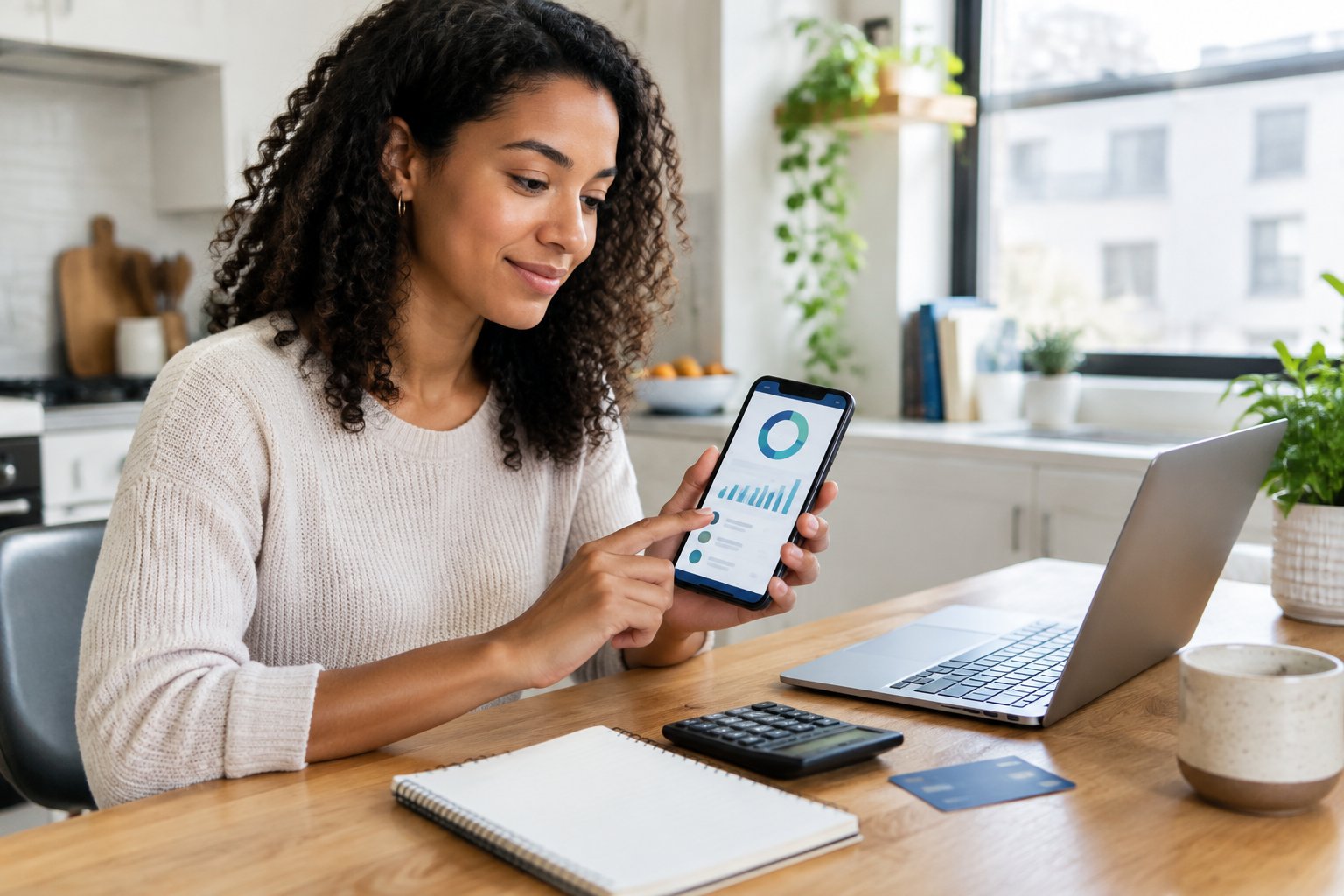
I favor YNAB for hands-on budgeting, Monarch Money for shared household finances, and Rocket Money for subscription management. Each serves a different need, so I would choose a method first and then check the subscription cost.
For millennials balancing debt payments with retirement saving, personal finance can get complicated when several goals compete for the same paycheck. My approach to money management starts with a clear spending limit and a plan for less frequent expenses.
Compare the Leading Apps by What You Need Most

I would shortlist Quicken Simplifi for planning, Rocket Money for subscriptions, PocketGuard for spending limits, and Copilot Money for visual expense tracking. These budgeting tools offer different ways to turn account activity into useful decisions.
| What I compare | Quicken Simplifi | Rocket Money | PocketGuard | Copilot Money |
|---|---|---|---|---|
| Primary fit | Flexible planning | Subscription control | Available spending | Visual tracking |
| Automatic transaction categorization | Yes | Yes | Yes | Yes |
| Recurring expense tools | Subscription tracker | Subscription management | Bill tracking | Subscription tracking |
| Budgeting emphasis | Spending Plan | Spending categories | Money left | Cash flow |
| Payment model | Paid subscription | Free and paid | Paid subscription | Paid subscription |
My shortlist of the best budgeting apps of 2026 starts with the job you need done. A spending tracker helps you review purchases, while a planning tool also helps you decide what your remaining money needs to cover.
I would choose Simplifi when upcoming bills drive your decisions. Rocket Money suits people who need to manage recurring charges, while PocketGuard offers a quick check of available spending. Copilot Money appeals to people who prefer clear charts and detailed transaction views.
Before subscribing, I recommend checking current device support and renewal terms. Feature access and promotional prices change, so review the checkout screen carefully.
Step 1: Decide What Your Budget Needs to Accomplish
I recommend choosing one main financial goal before comparing app features. This gives you a practical way to judge whether an app deserves a place in your routine.
Start by writing down the problem you want to solve:
- Uncertain cash flow: Identify which bills arrive before your next paycheck.
- Credit card debt: Record balances, interest rates, and minimum payments.
- Limited savings: Choose an emergency fund target and a contribution you can afford.
- Competing priorities: Separate essential expenses from flexible purchases.
I treat setting financial goals as part of the budget itself. Give each goal a target date, then include its contribution in your spending plan.
When saving money, distinguish your emergency fund from planned expenses such as insurance renewals. I would keep cash needed soon in an accessible account and compare savings accounts on fees, access, and current rates. An app’s savings label alone tells you little about where the money sits.
Step 2: Match Your Budgeting Method to an App
I match YNAB and EveryDollar with zero-based budgeting, Goodbudget with envelope budgeting, and Simplifi with a flexible spending plan. Choose the level of involvement you are willing to maintain each payday.
- YNAB (You Need a Budget): Assign money you already have to spending categories and future expenses. I recommend it if you want active control and are willing to adjust category balances.
- EveryDollar: Build a zero-based monthly plan that gives income a purpose. Its free manual-entry option suits people who want to record purchases themselves.
- Goodbudget: Divide available money among digital envelopes. I like this approach for clear category limits, including expenses that fall outside the monthly cycle.
- Quicken Simplifi: Use its Spending Plan to account for income, bills, and savings goals. Then follow the amount available for other spending.
Manual transaction entry adds work, but it gives you a chance to review purchases as you record them. Bank syncing reduces typing, but you still need to check categories.
For debt payoff plans, I would enter minimum payments as required expenses and budget extra payments separately. Before relying on an app’s payoff tools, check that they support your debt type and payment schedule.
Step 3: Compare Free Features With the Full Subscription Cost
I recommend paying only for features that solve a problem you have identified. A free budgeting app is a sensible starting point if manual entry fits your schedule.
My candidates among the best free budgeting apps include EveryDollar for zero-based planning and Goodbudget for digital envelopes. Rocket Money offers a limited free plan, while Empower provides a free financial dashboard.
For paid plans, useful comparison points include:
- YNAB: $109 annually.
- Goodbudget Premium: $80 annually.
- PocketGuard: $74.99 annually.
- Copilot Money: $95 annually.
I would verify those amounts at checkout, including the renewal price. An advertised monthly equivalent on an annual plan means you pay the annual charge upfront.
Cleo deserves attention if you prefer a conversational interface. Before choosing a paid tier, check which budgeting functions it includes and whether borrowing-related services add costs beyond the membership.
I also distinguish subscription management from paid assistance. Subscription tracking identifies charges, while cancellation assistance performs another task. Bill negotiation can carry a fee tied to savings, so read the authorization terms before approving it.
For automated savings, check transfer timing and low-balance safeguards. I would first decide how much income to save and confirm that transfers leave enough cash for scheduled bills.
Step 4: Check Whether Shared Budgeting Fits Your Household
I recommend Monarch Money for a detailed shared financial dashboard and Honeydue for free couples-focused budget tracking. Choose an app that gives each partner useful access at a cost the household accepts.
Monarch supports household collaboration, savings goals, and account tracking. I would consider it when both partners want to review a broad financial picture, including investments.
Honeydue lets partners connect accounts and choose how much information to share. Its bill reminders and spending categories suit households seeking a shared view of regular expenses.
Before connecting accounts, I recommend agreeing on:
- Which accounts belong in the shared budget.
- Who reviews transaction categories.
- How personal spending will be handled.
- When both partners will check progress.
I treat financial literacy for couples as an ongoing conversation. Set a recurring budget check-in and give each person a specific task, such as reviewing bills or updating savings goals.
Step 5: Decide Whether You Need Investment and Retirement Tools
I recommend Empower when free investment and net worth tracking are your main priorities. Its Personal Dashboard, formerly Personal Capital, connects everyday accounts with retirement accounts and includes retirement planning tools.
A net worth tracker adds your assets and subtracts your debts. This view helps you follow long-term progress, while your spending plan handles the cash available for current expenses.
I would compare the other options by purpose:
- Quicken: Offers products with different levels of budgeting and investment detail. Check the specific product’s tools before subscribing.
- Origin: Combines budgeting with broader financial planning features. Review which services carry separate charges.
- Acorns: Focuses on automated investing through features such as purchase round-ups.
For investment apps, I check account fees and investment choices separately from budgeting features. Subscription charges deserve particular attention when the invested balance is small.
When linking a 401(k) or IRA, confirm that balances update correctly. I also recommend reviewing your retirement savings strategy separately from the app’s forecast, since projected returns and future expenses are assumptions.
Step 6: Review Security and Bank Compatibility Before Connecting
I recommend checking account permissions, privacy terms, and connection reliability before linking your bank. Even a well-designed dashboard needs careful security checks.
For the question “are budgeting apps safe,” my answer is that established apps provide useful protections, but some risk remains. Budgeting apps typically receive read-only access to balances and transactions, which limits their ability to move money.
Plaid and other account connectors transfer financial information between institutions and apps. I would inspect the permission screen to see which accounts and information you are authorizing.
Before continuing, check the following:
- Enable multi-factor authentication and use a unique password.
- Read how the app shares information and handles deletion requests.
- Confirm that your exact bank and account type connect successfully.
- Find the steps for revoking access.
- Review separate permissions for any money-transfer service.
The phrase “bank-level encryption” describes one protection, but I would also examine authentication and data handling. Linking accounts still involves data-breach and device-access risks.
If you prefer to limit connected access, choose an app with manual transaction entry. You will need a regular process for updating balances and recording purchases.
Step 7: Set Up Your Accounts and Build Your First Spending Plan
I recommend building your first plan around accurate balances and known obligations. For budgeting for beginners, a manageable setup makes regular expense tracking easier.
Follow this order:
- Add essential accounts. Start with checking, savings, and the credit cards used for regular purchases.
- Verify starting balances. Compare them with your bank records and note pending transactions.
- Review imported expenses. Correct categories before using past spending to set limits.
- Enter income dates. For variable income, use money already available to fund near-term spending.
- Add required payments. Include housing, utilities, insurance, and debt minimums.
- Fund less frequent expenses. Set aside money for known renewals and planned purchases.
- Assign flexible spending limits. Use recent spending as a starting point, then adjust to your available income.
I include these tasks among the first steps in personal finance, since creating a budget relies on a clear account picture.
For cash flow analysis, compare income dates with bill dates. Cash flow forecasting also needs realistic timing, especially when a balance looks healthy before a large payment clears.
During debt payoff planning, check how the app handles credit card transfers. I would confirm that a card purchase and its later payment do not count as two separate spending expenses.
Step 8: Test the App Against Your Actual Spending
I recommend testing an app through a full billing cycle before committing to long-term use. Set a cancellation reminder if the trial ends sooner.
Use ordinary transactions to check how budget tracking behaves. Review a refund, an account transfer, a split purchase, and an expense funded from earlier savings.
My evaluation focuses on practical questions:
- Are account updates reliable enough for your routine?
- Do spending insights identify a decision you need to make?
- How much category editing does each review require?
- Does the available-spending figure match your obligations?
- Can you export useful records before closing the account?
When deciding how to choose a budgeting app, I focus on the work required each week. An app that needs constant corrections deserves another look.
To answer “are budgeting apps worth it,” compare the subscription charge with documented benefits, such as avoided fees or canceled services you no longer use. I also look for habits that help you live within your means, including checking the spending plan before a discretionary purchase.
Choose the App You Can Keep Using
I would start with Simplifi for flexible planning, then choose a specialist if your main need points toward YNAB, Monarch, or Rocket Money. Free options are worth trying when their limits fit your budget.
Keep money management tied to your financial goals. Before paying for an annual subscription, verify bank connections, review a full set of transactions, and confirm that the next billing period fits your spending plan.
Frequently Asked Questions
What is the best free budgeting app for millennials?
I recommend Goodbudget for free, hands-on envelope budgeting and Empower for a free financial dashboard. Goodbudget’s free plan requires manual entry, while Empower emphasizes account visibility and wealth tracking.
Which app would I choose as a Mint replacement?
I would choose Monarch Money as a Mint replacement for a broad household dashboard, or Simplifi for flexible spending planning. Both require payment, so I would compare their budget views during the trial before moving all accounts.
Does Goodbudget connect to bank accounts?
Goodbudget Premium supports bank syncing, while its free version uses manual entry. I recommend checking supported institutions before paying for automatic tracking.
Do budgeting apps include credit score tracking?
Some personal finance apps, including WalletHub and NerdWallet, offer credit score tracking or monitoring. I would check the score model, update schedule, and alert coverage because these services differ across providers.
Can I budget without connecting my bank account?
I recommend Goodbudget’s free version or EveryDollar’s free manual-entry option if you want to budget without bank syncing. Set a regular time to enter transactions. Then compare the recorded balance with your bank account.